Click on the "Take Picture" button!
After you take the picture, wait for the uploading assets to reach 100%. Your picture will then be shown.
Email Steve@picturebranding.com
Customer snaps a picture - and creates instant content for your business!

Dozens of ideas can be shared on getting your patrons to interact with this on-the-fly, branding tool and get them to share the results on social media.

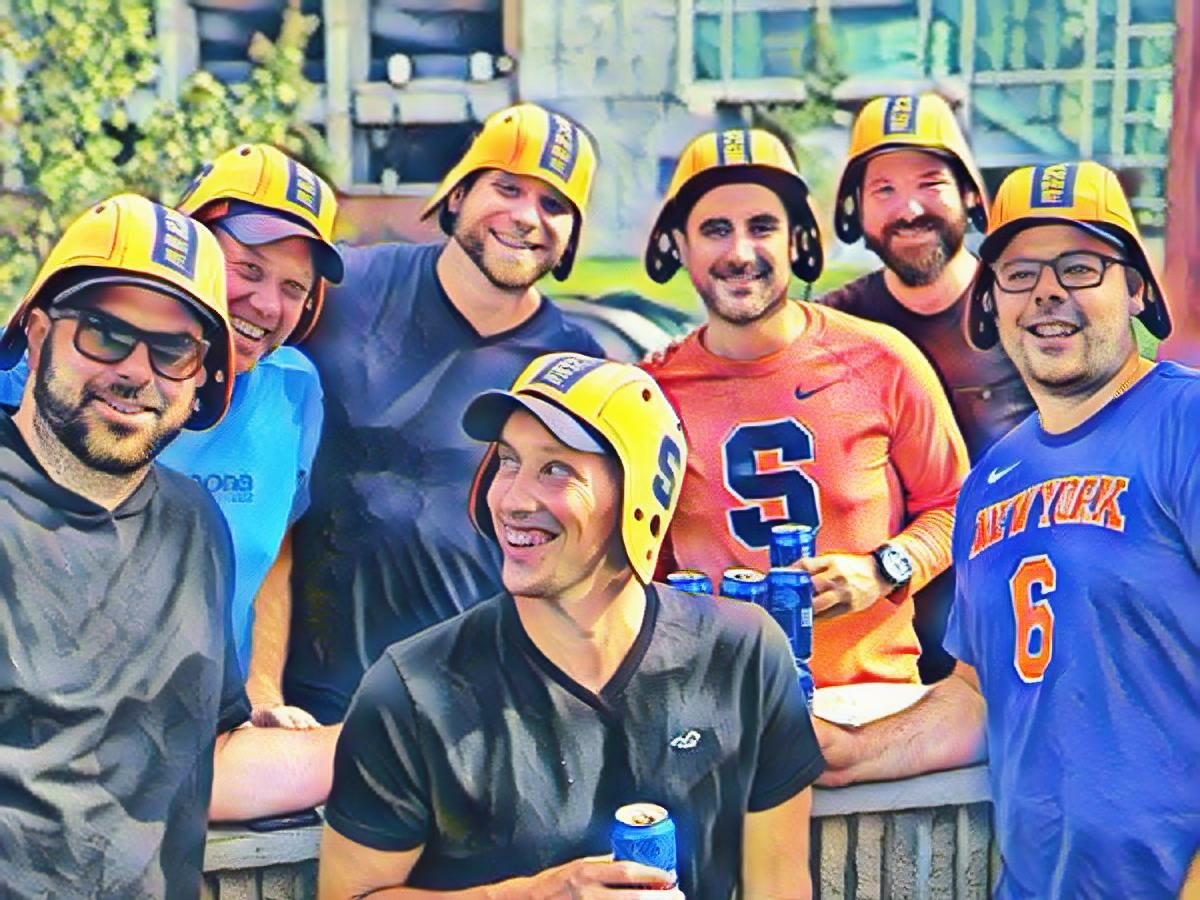
Dozens of examples are given below, where your users create the content with no skills required and in only a few seconds! Below is an example where users click on the camera icon to take a picture (try it now) and they immediatly get back art!

Below is an example contest where our tool will track / announce the winner.

Customer Information:

Agreement
I agree to let the pictures I take (scroll down to see) be shared on our social media websites.

Pick one.

Enter your prediction, click on the camera icon to snap a pictue then share the new picture created for you.

Step 1:


Step 2:

Click on Camera Icon


Step 3:

Share Your New Picture:
(Loads after step 2).
Example picture below.
*Must share on social media to win.

- Image 1 is Loading ..... -

Image Links

- Image 2 is Loading .... -

Debug Messages Below Picture: Overlay: Delete:
Test:

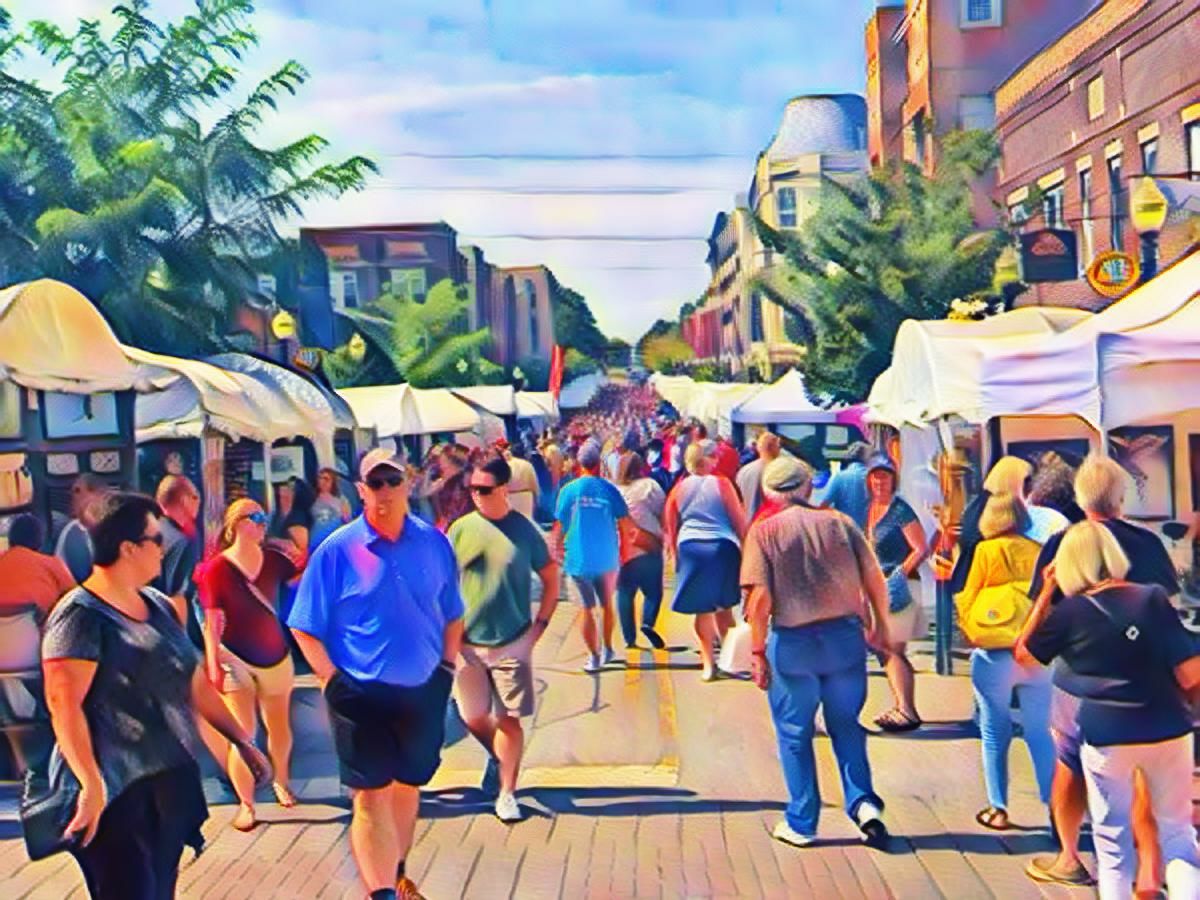
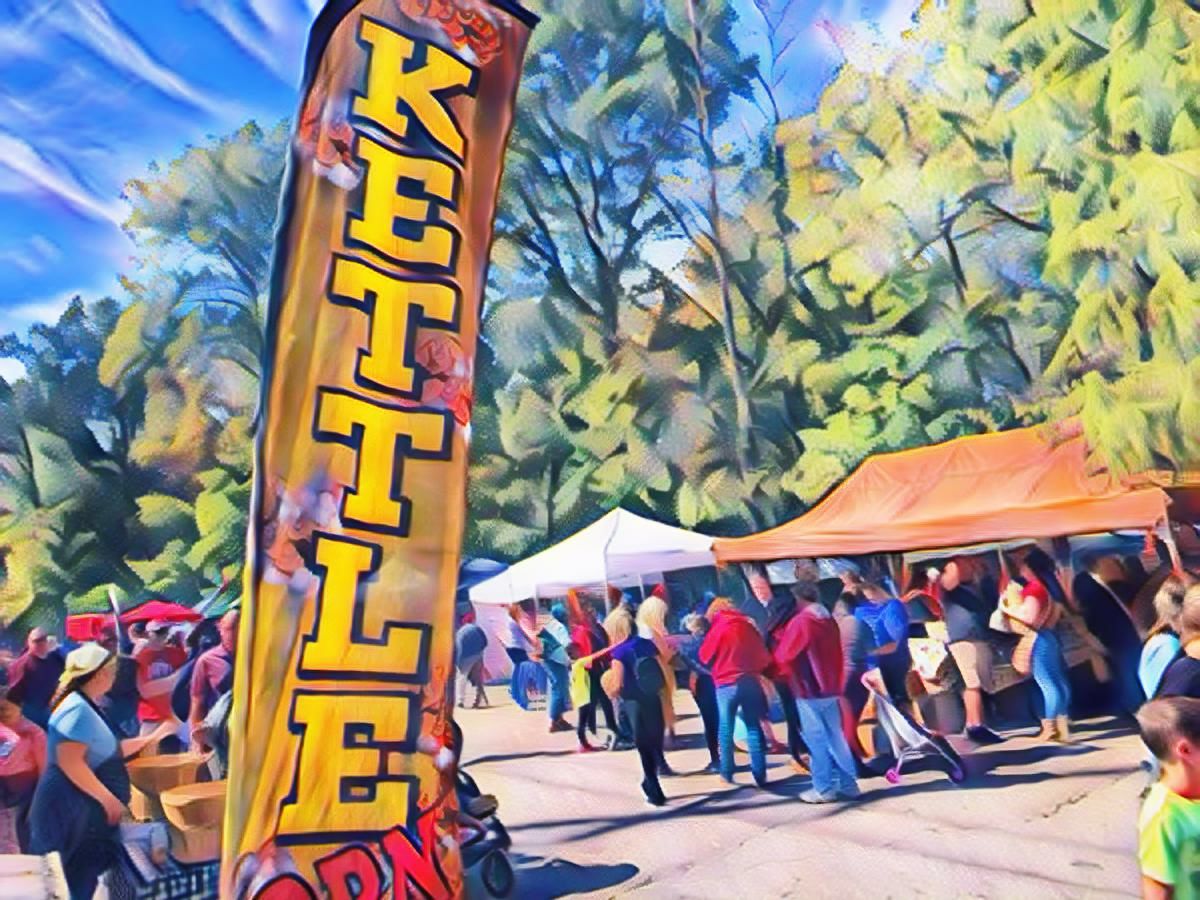
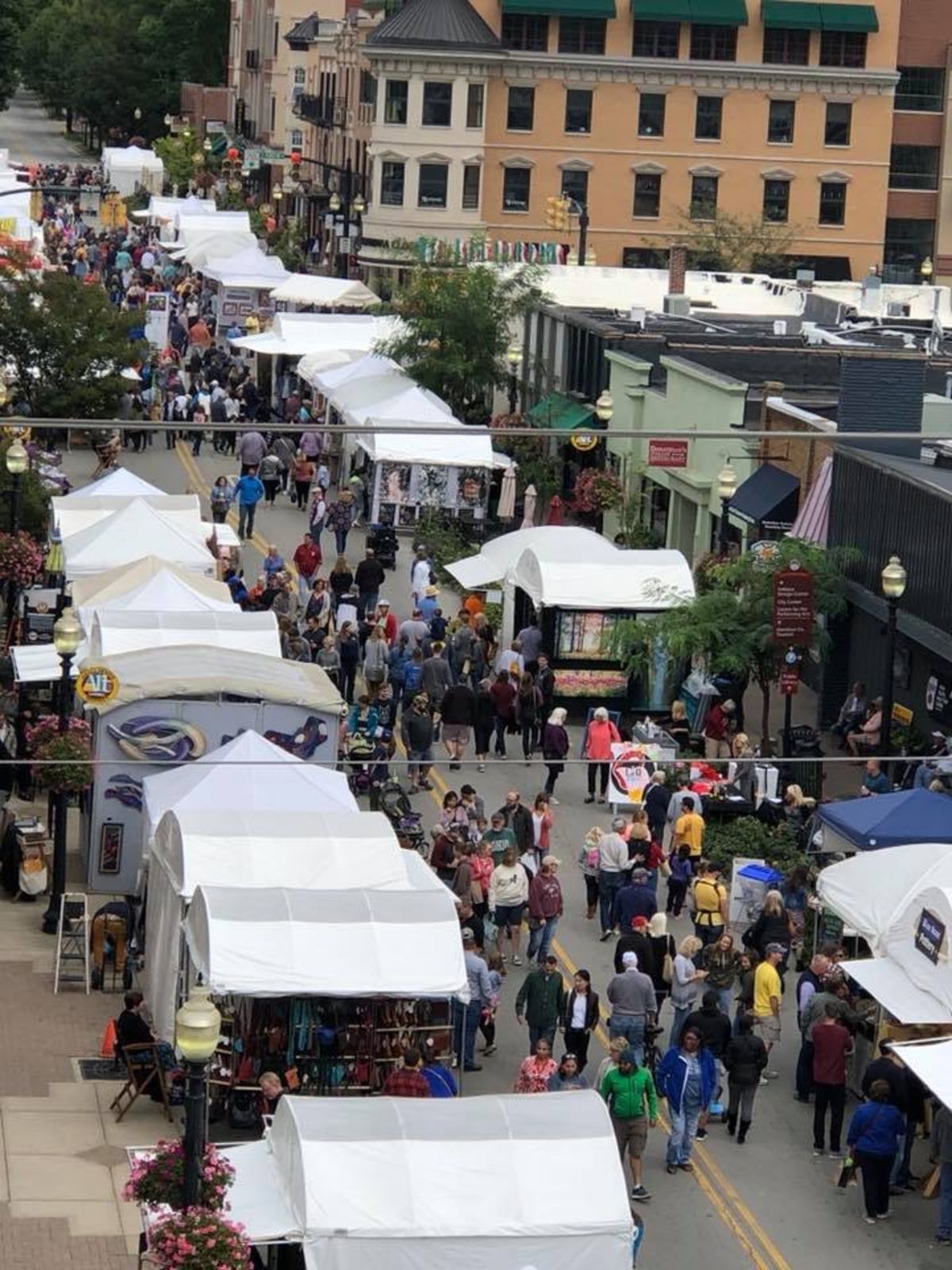
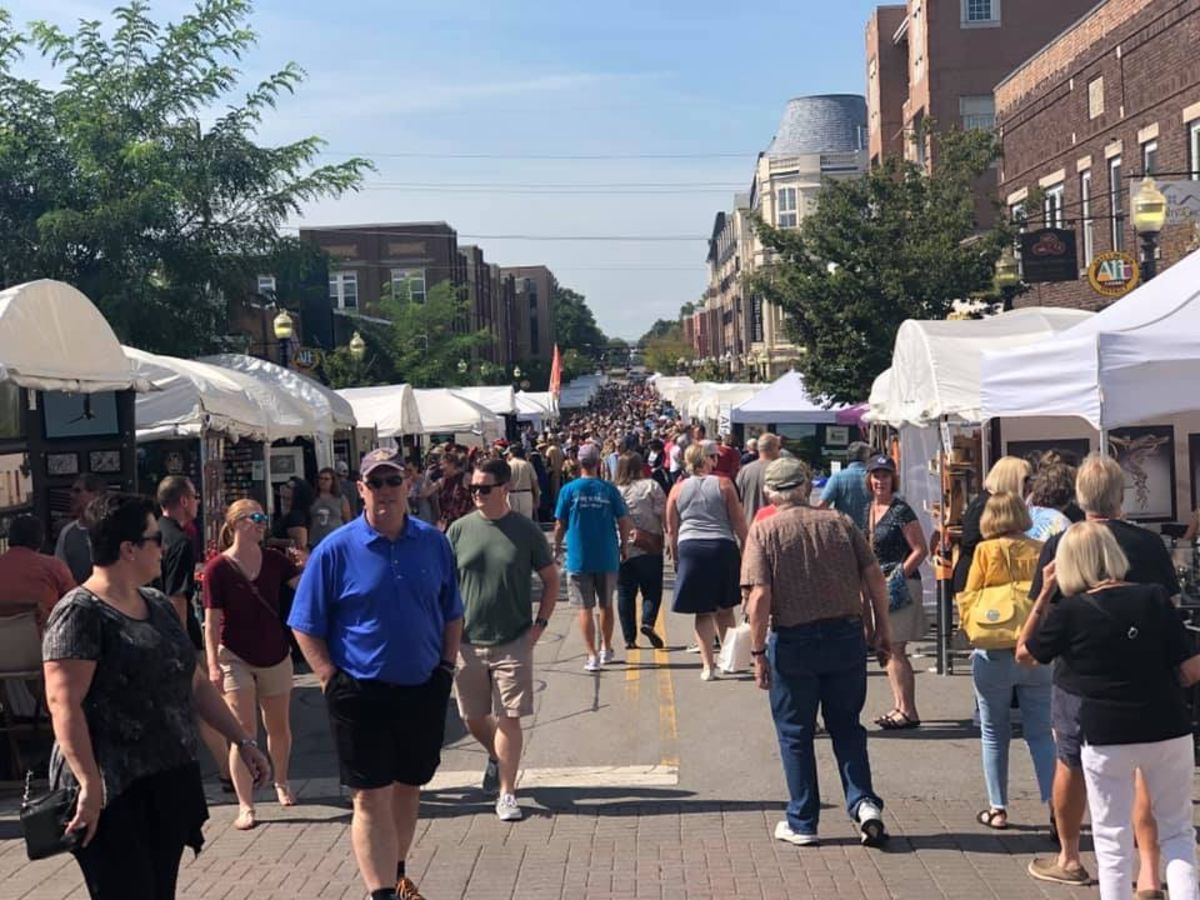
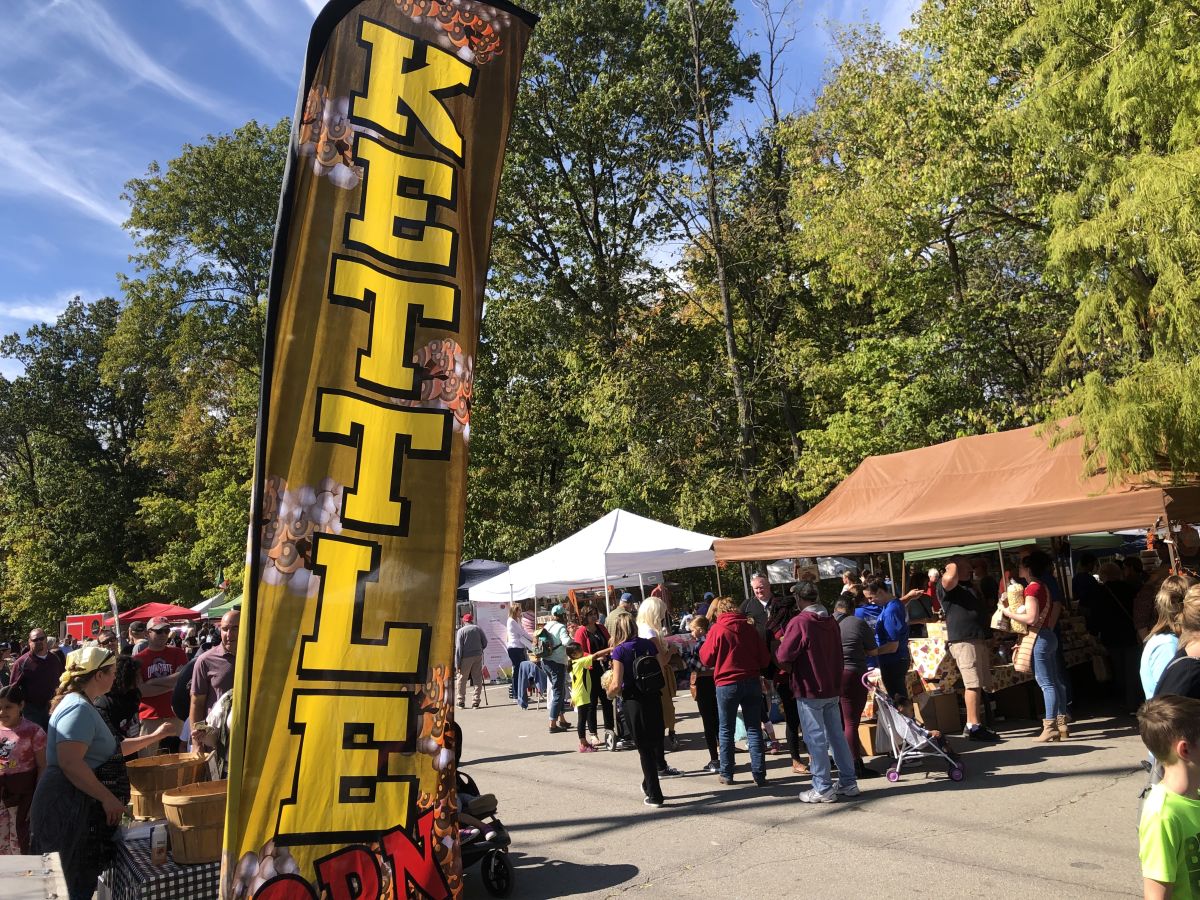
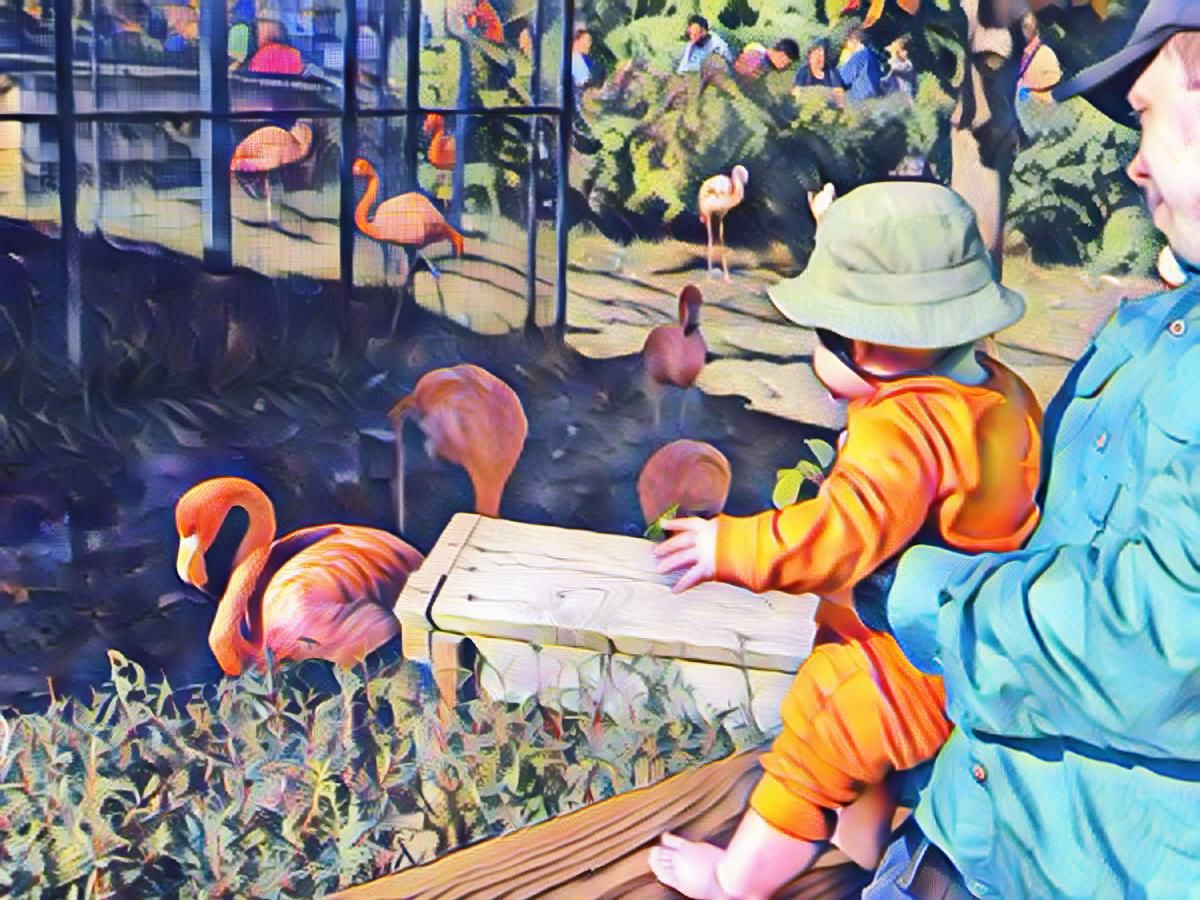
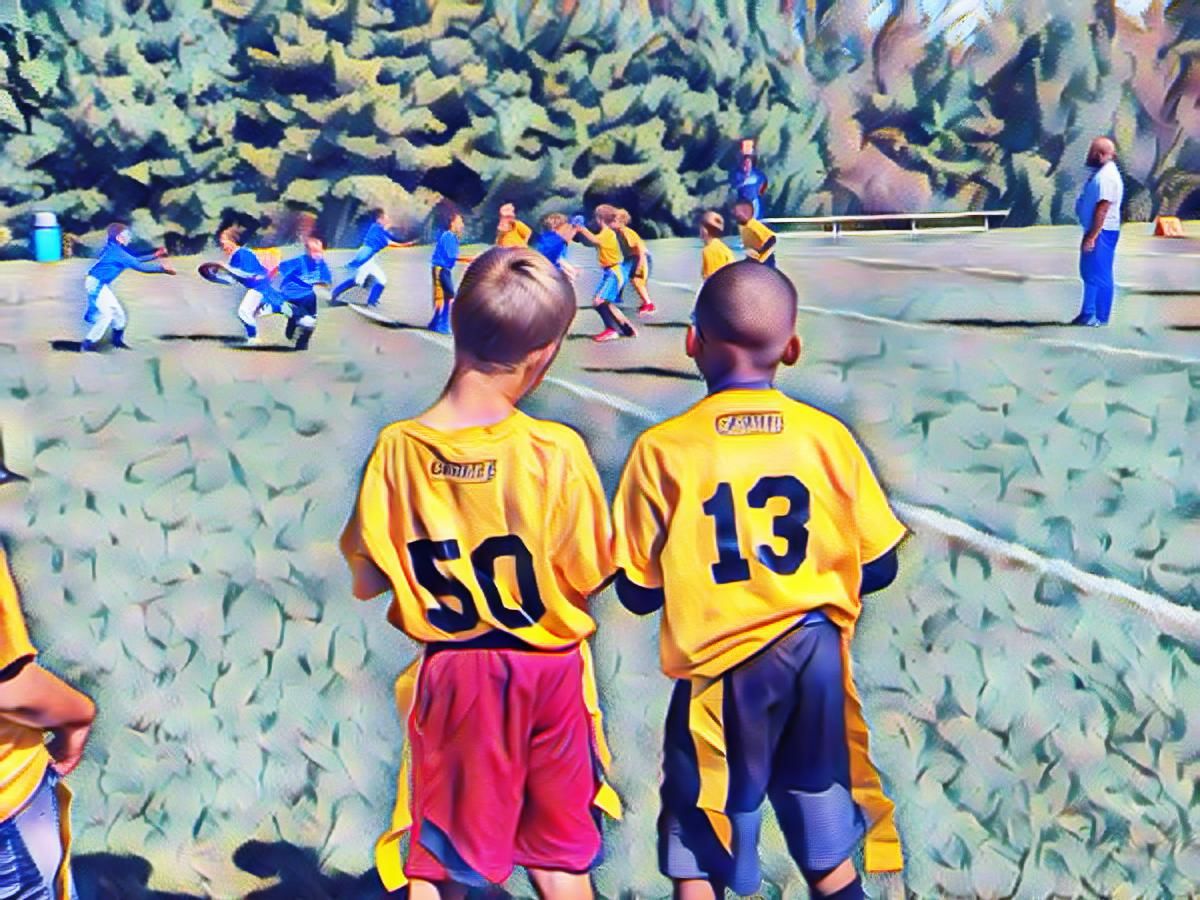
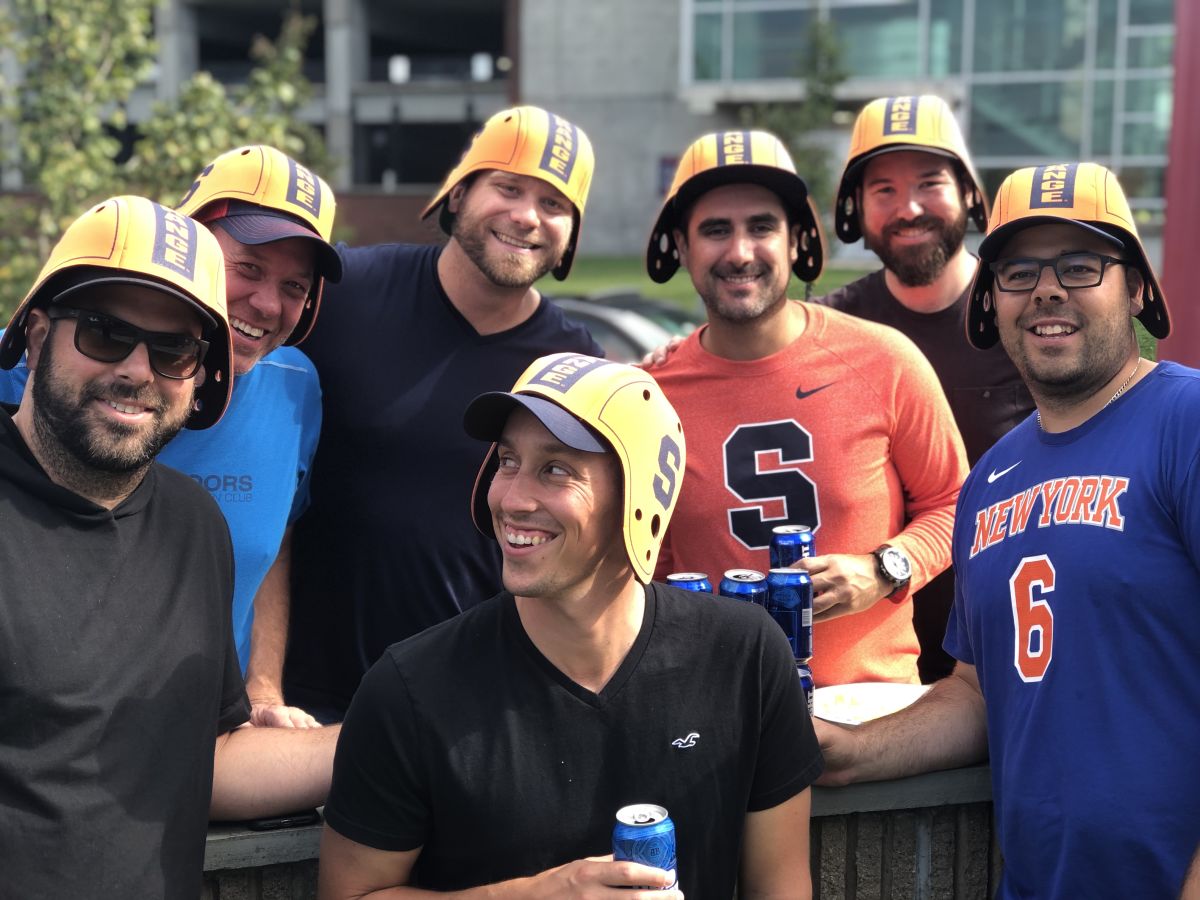
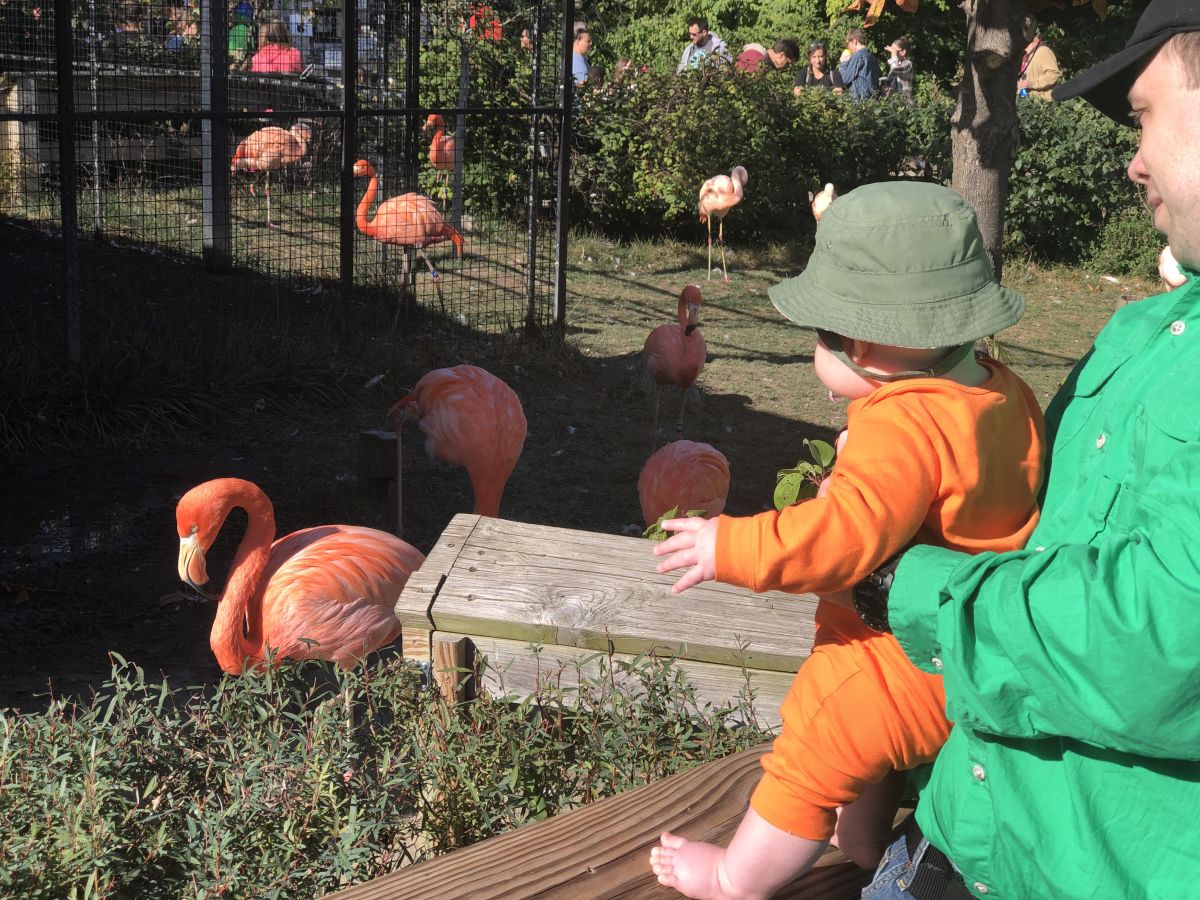
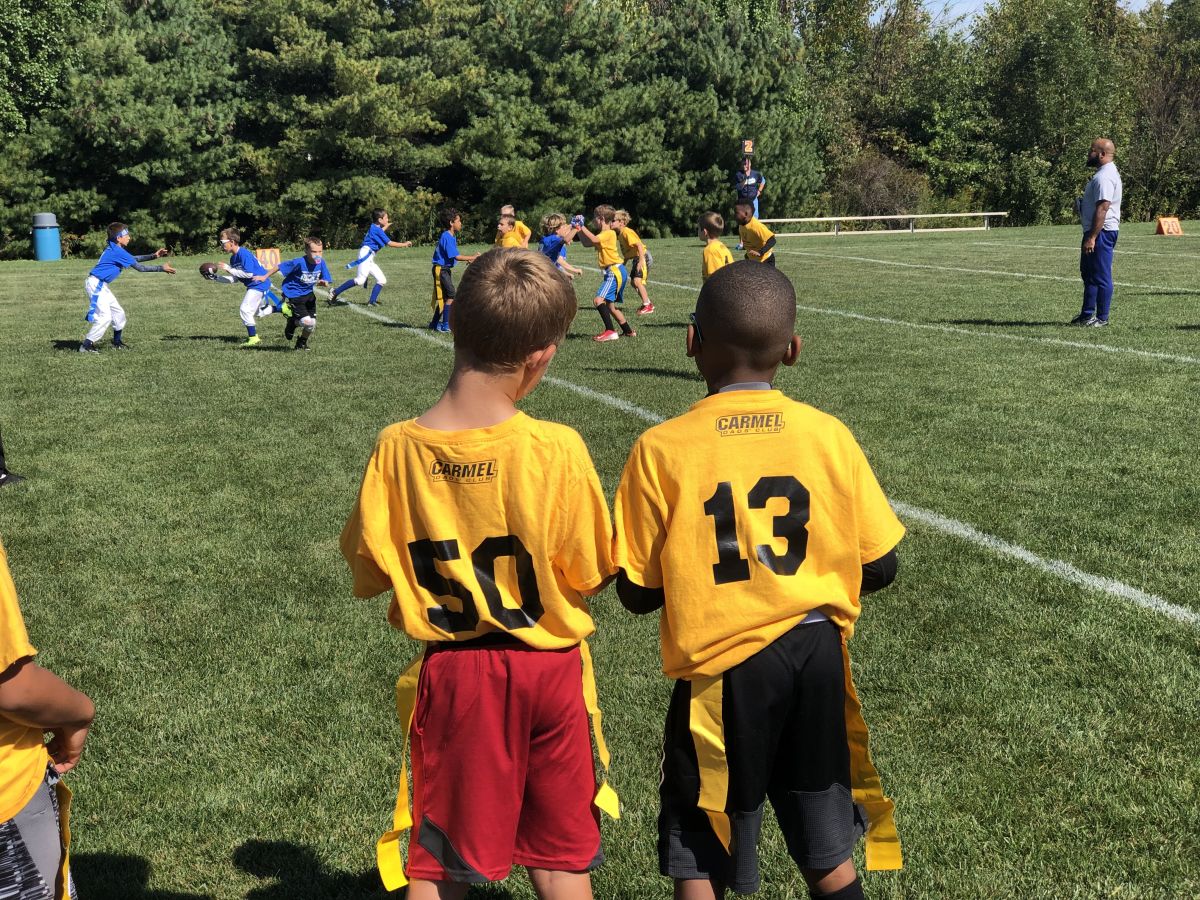
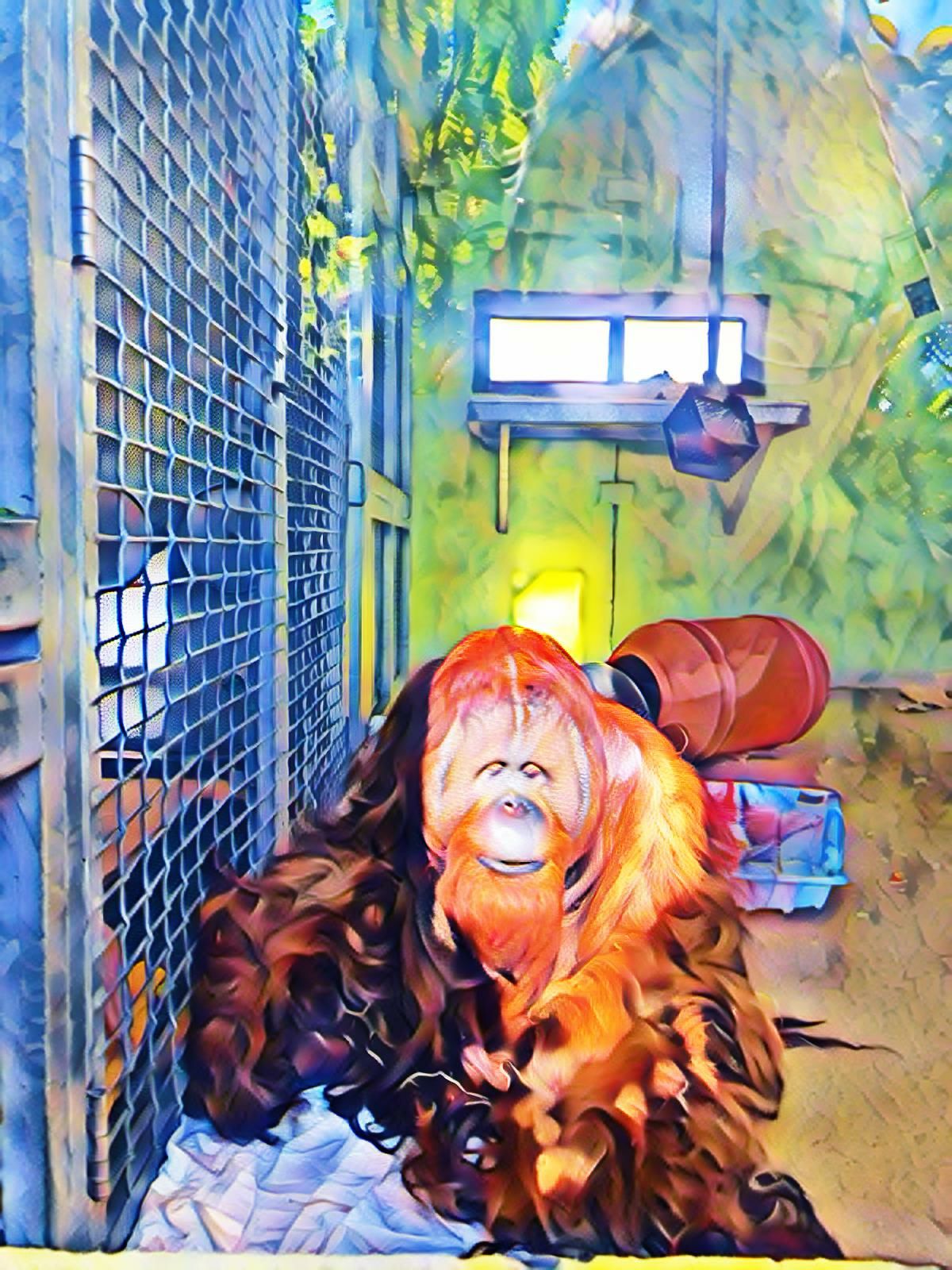
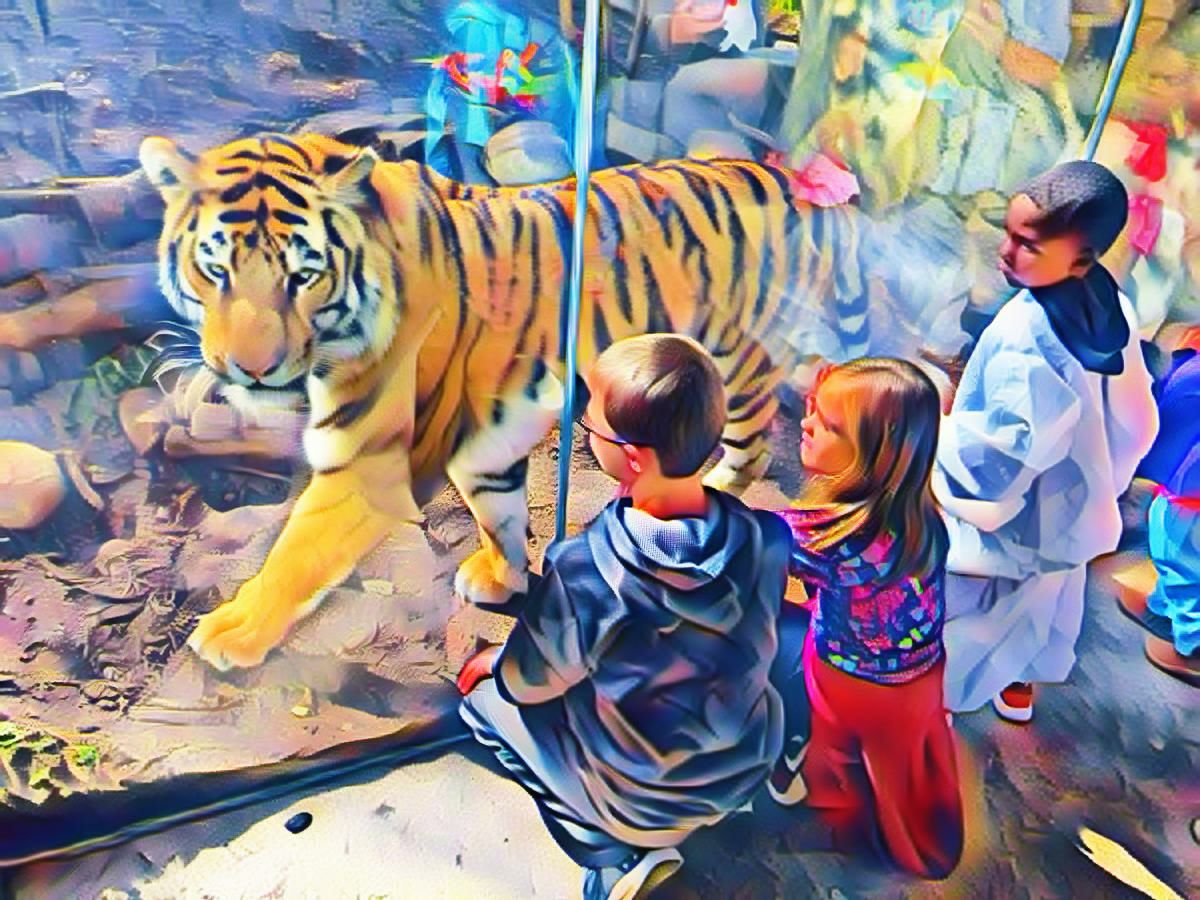
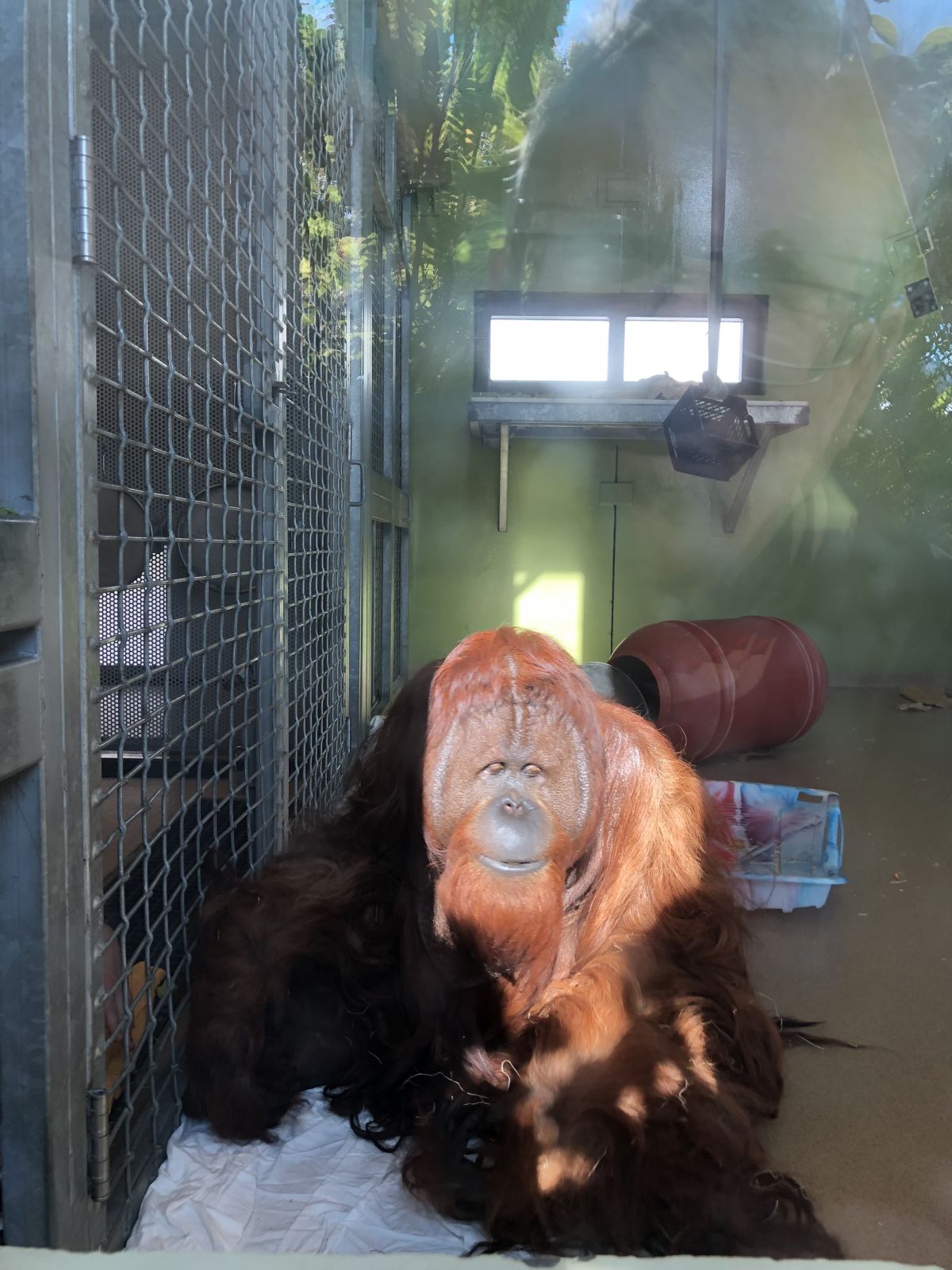
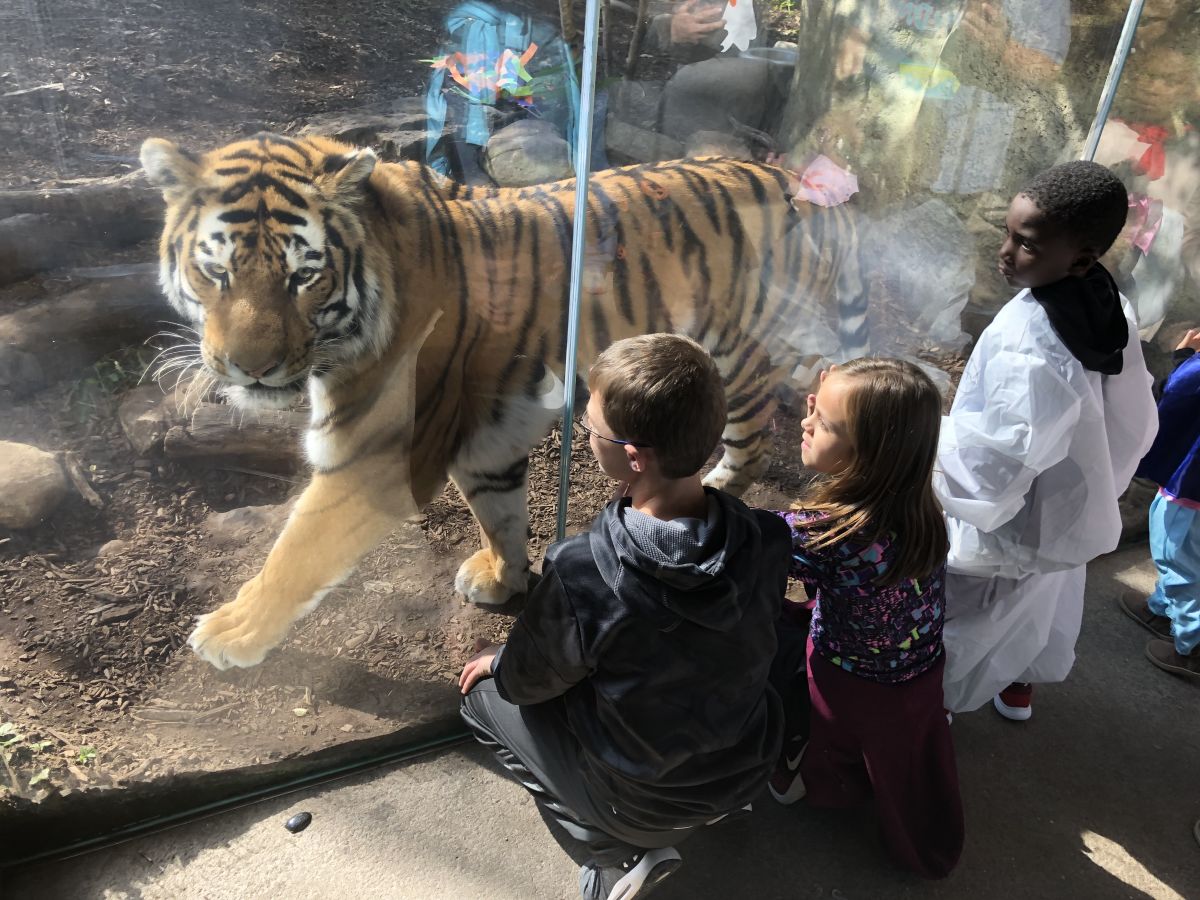
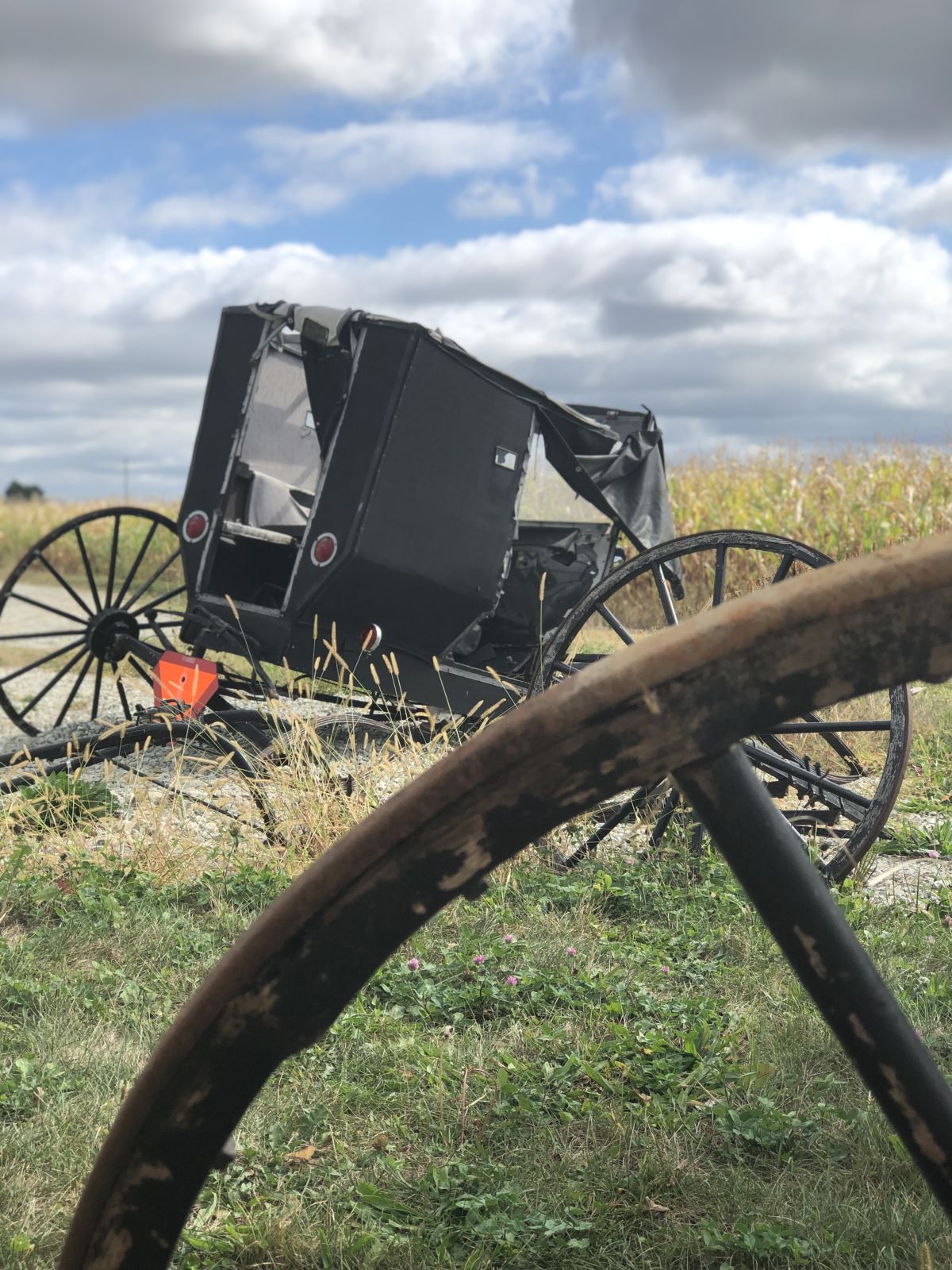
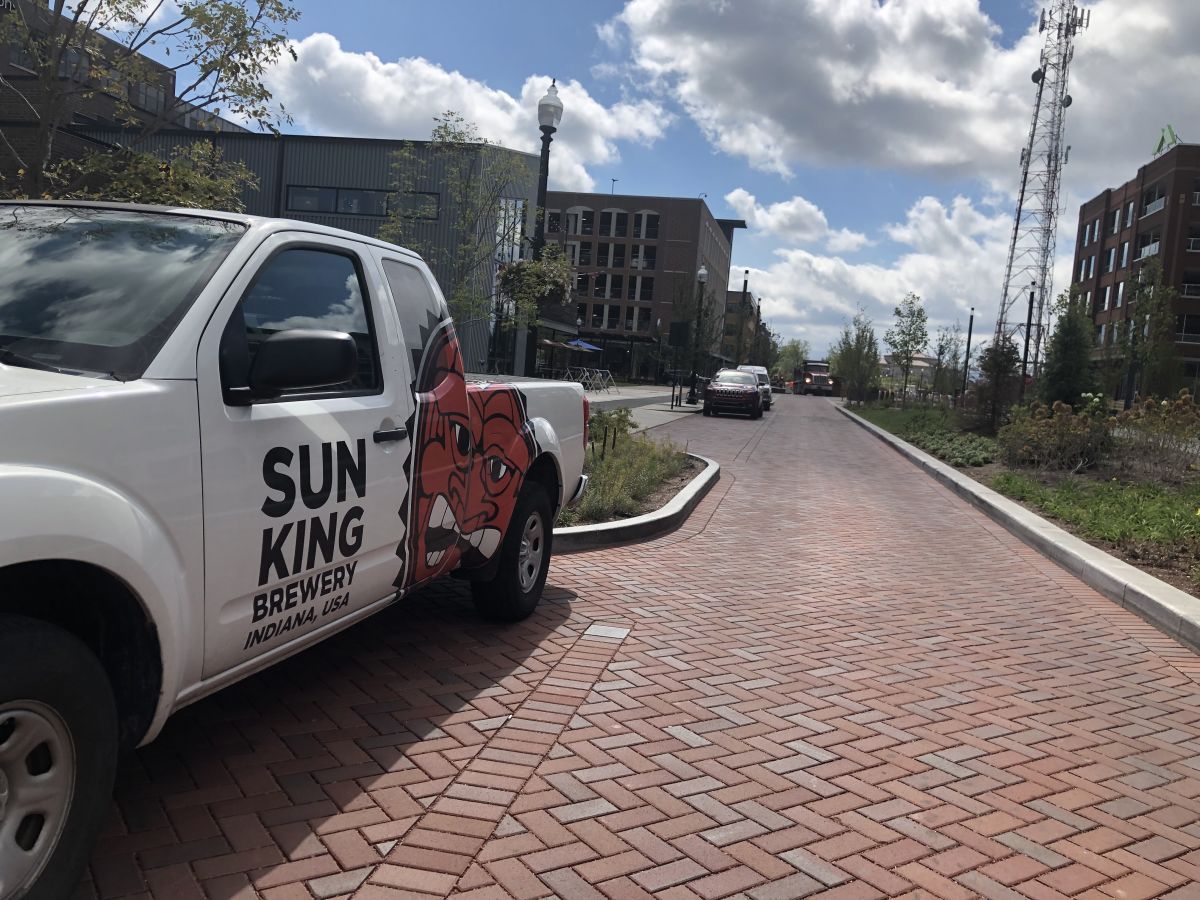
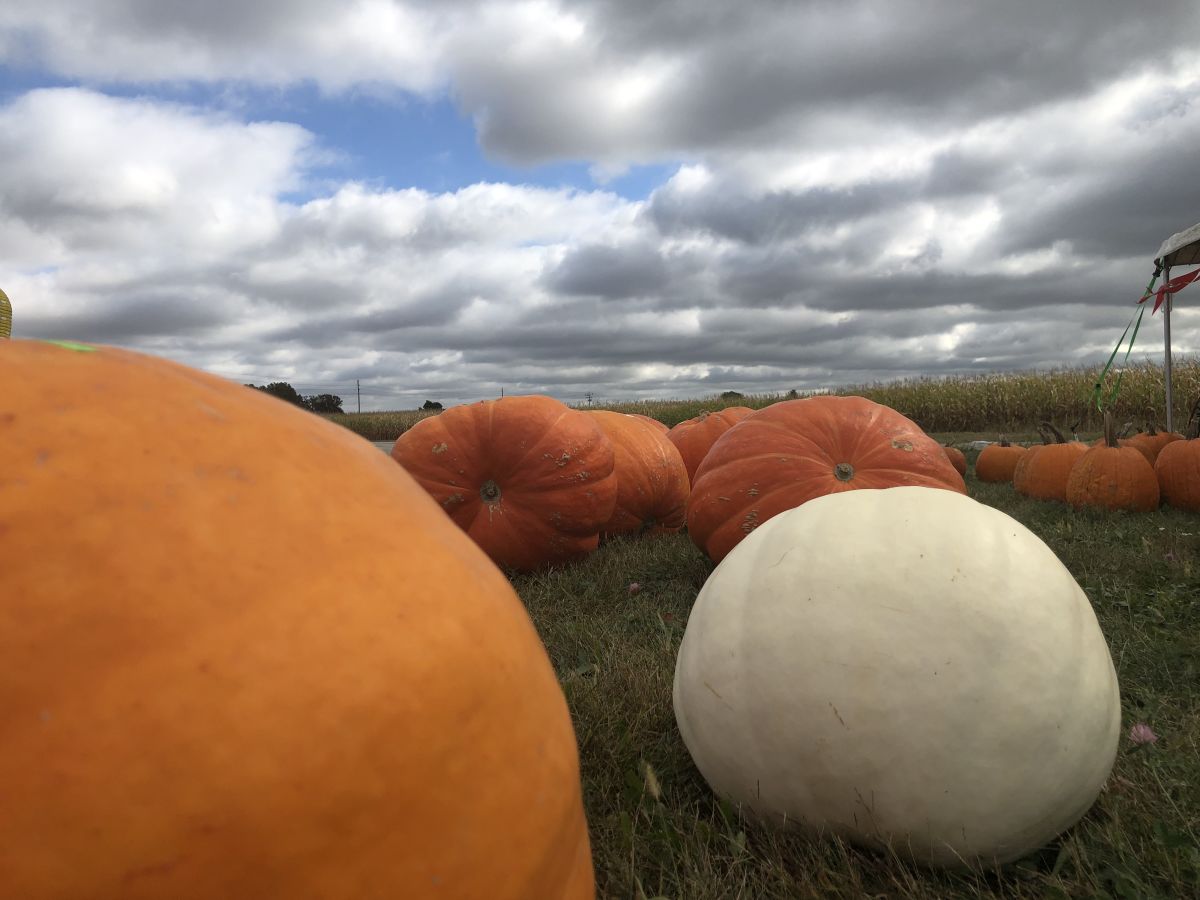
Before and after pictures.

Everyday pictures taken with a smartphone and then artistic versions created by this site.
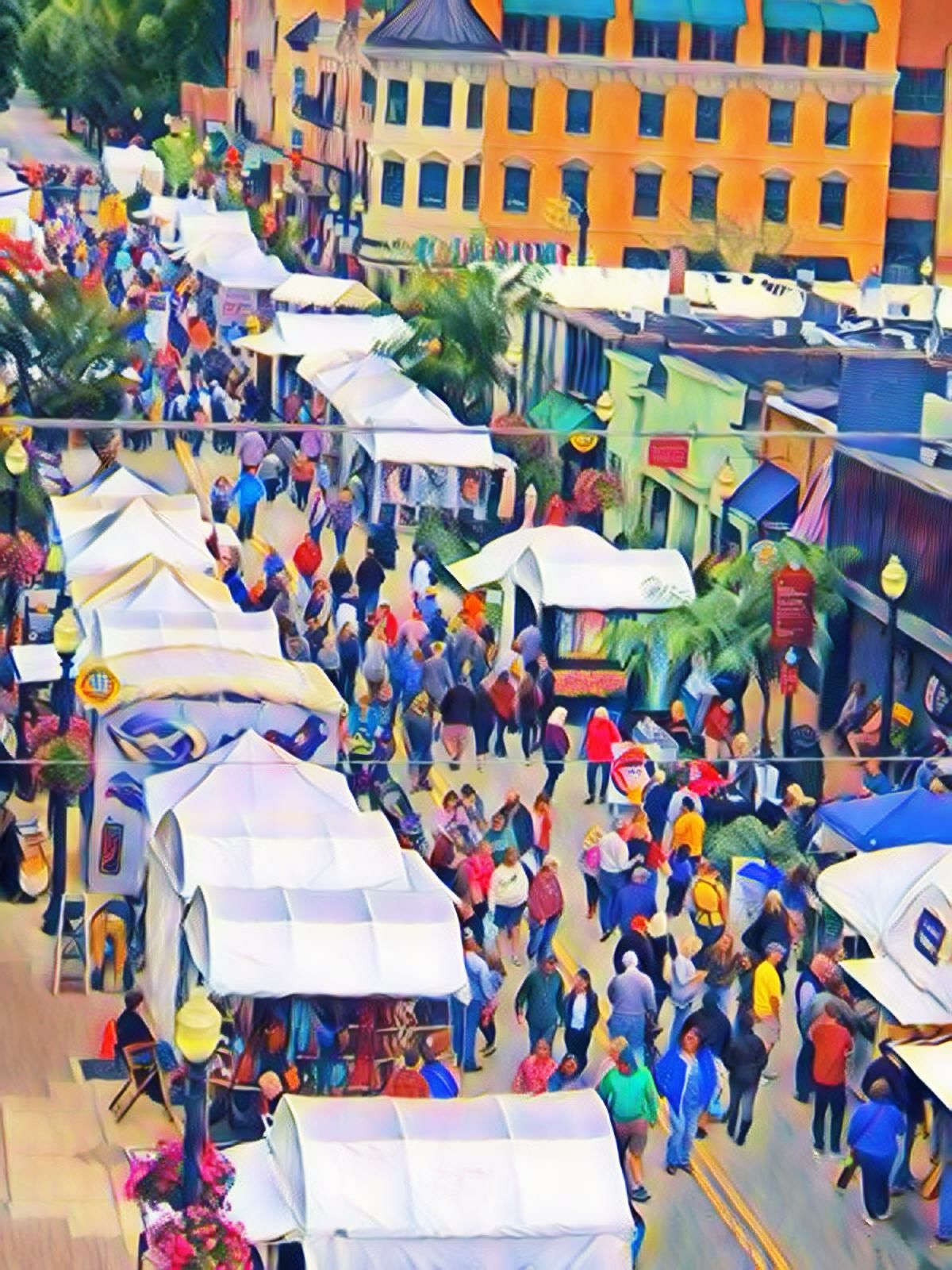
Click on the images to enlarge them.

Click on the images to enlarge them.

Click on the images to enlarge them.

Click on the images to enlarge them.